For Public - Make Payments
Q+ Payment App : Experience a hassle-free life with mobile payments on the go.

Welcome to Q+ Payment App
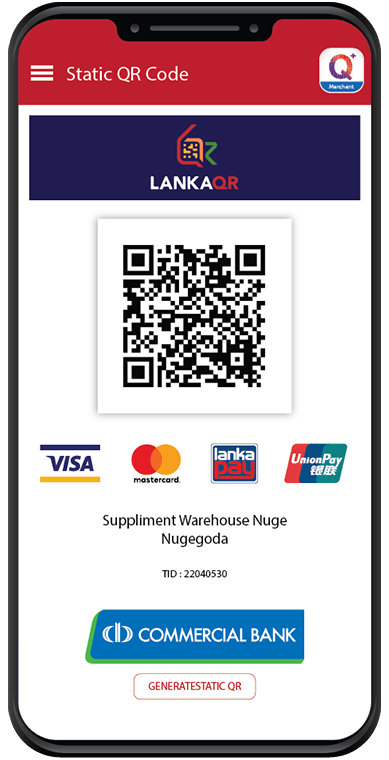
Q+ Payment App has been developed based on EMV Co QR standards, ensuring interoperability and facilitating QR transactions worldwide. The ComBank Cards can be registered in the Q+ Payment App to do mobile-based payment transactions. You can make payments using the App by selecting any card you have added to the App. You can also use the 'In-App Bill Payments'feature to make all kinds of payments such as Data reloads, PrePaid and Post-Paid Mobile bills, Fixed Telephone bills, Water and Electricity (CEB and LECO) bills, TV bills, Cards, Education, Insurance and Municipal Council Payments etc.
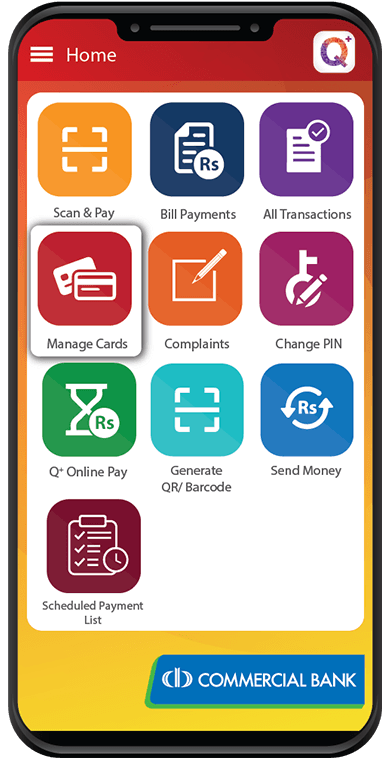
How to use
Download
Open App Store or Play Store on your IOS or Android Phone and Download ‘ComBank Q Plus Payment App’.
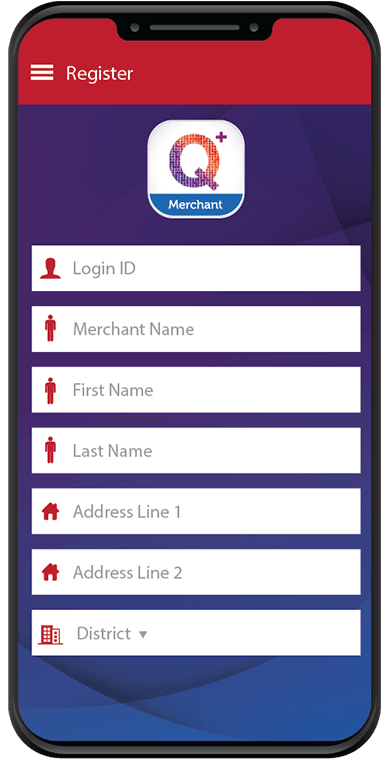
Fill in the details
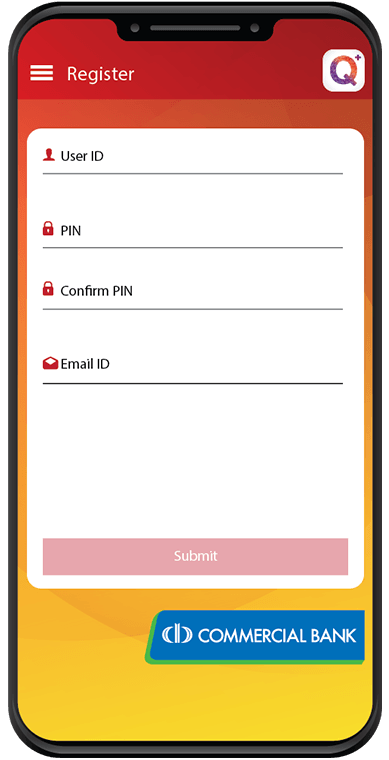
Press ‘Sign Up’ and fill in your details.
Press ‘Submit’.
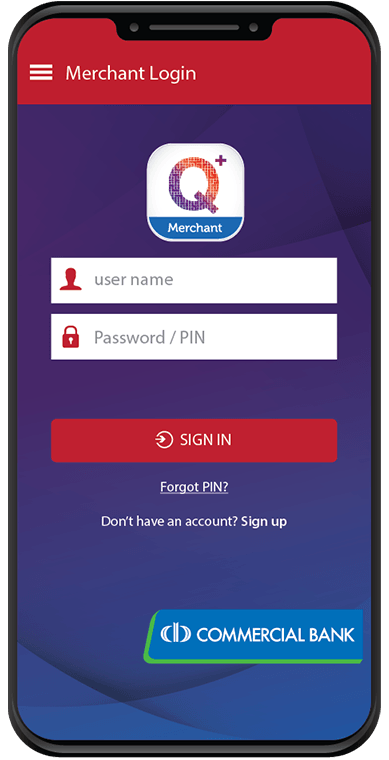
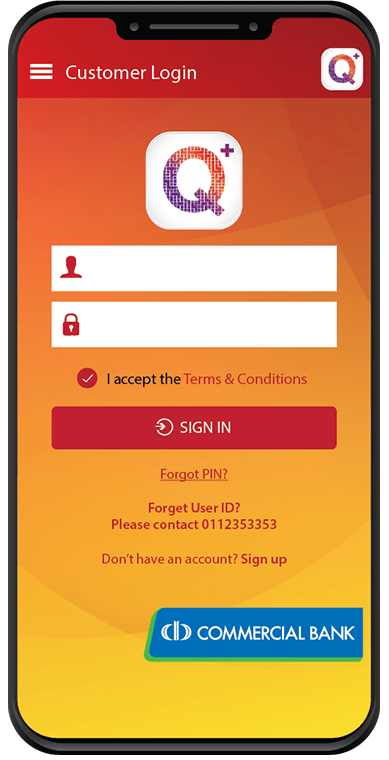
Enter User ID, PIN and Sign In.
Add Card & Register
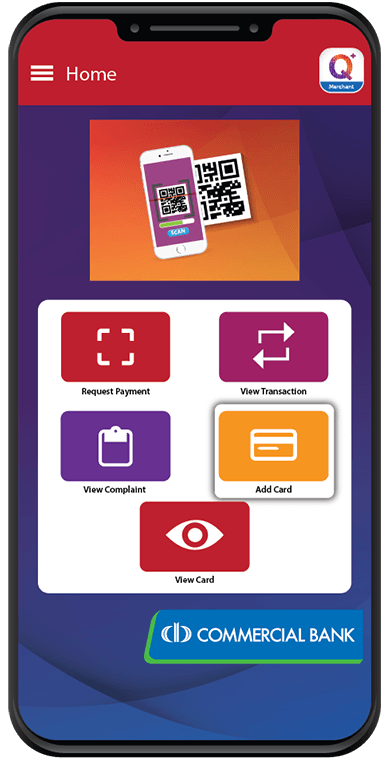
Press ‘Add Card’.
Scan the Card or enter details and submit.
Enter the OTP and complete registration.
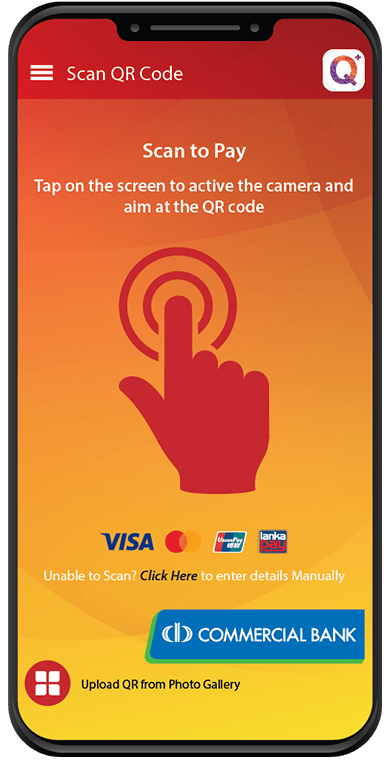
Scan & Pay
Select ‘Scan & Pay’ Option.
Scan the QR Code using the App.
Enter payment details.
Enter 4 digit PIN and complete the payment.